How To Play Local Multiplayer In MultiVersus
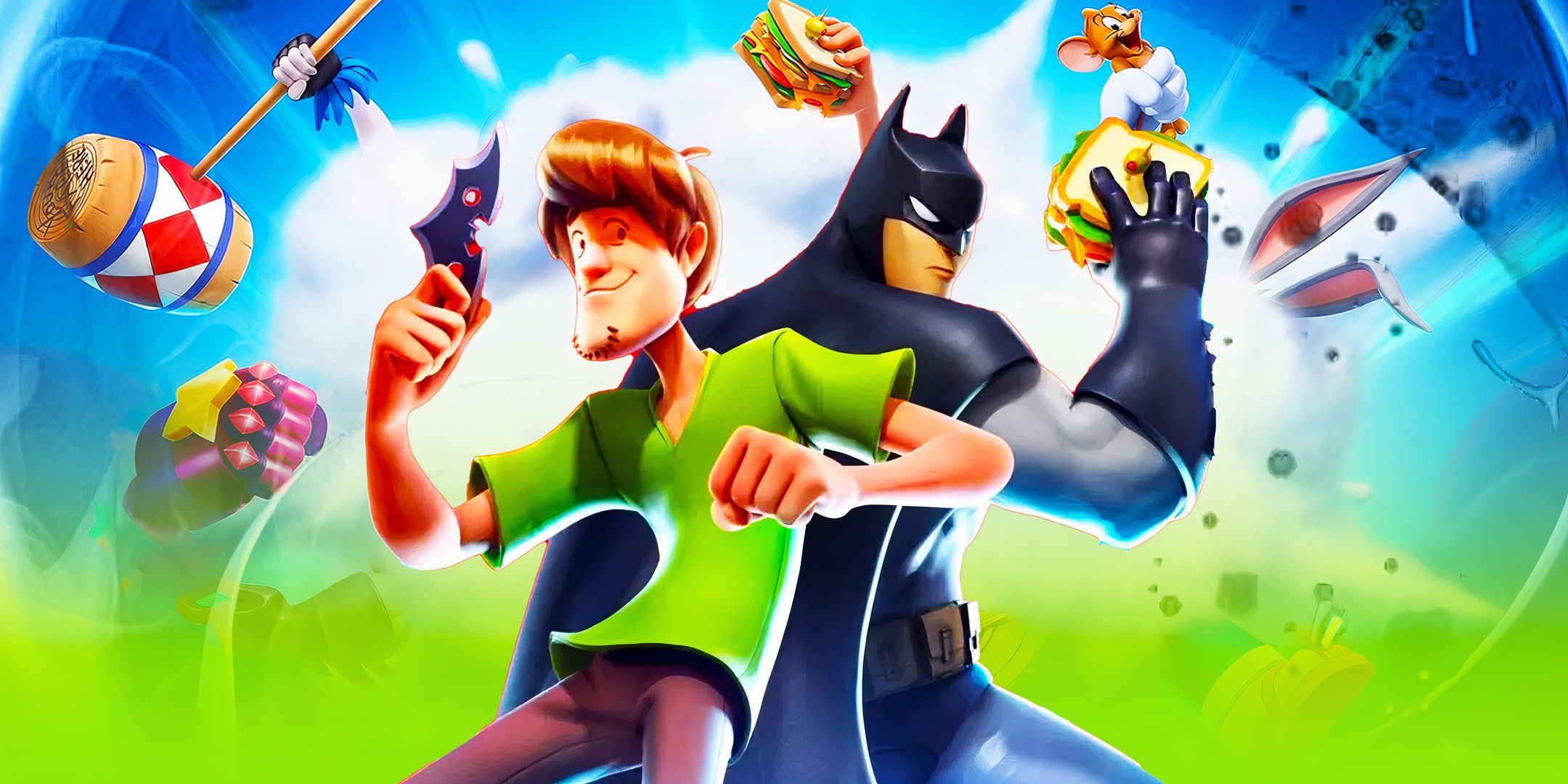
Players can enjoy local multiplayer co-op in the newest platform fighting game, MultiVersus. MultiVersus takes characters from different corners of the Warner Bros. universe and pits them against each other. Players can choose from older staples like Shaggy or Tom and Jerry, DC superheroes, more modern cartoons like Adventure Time and Steven Universe, and even Game of Thrones' Arya Stark. There are currently 27 characters to choose from at the game's full launch with many more on the way.
Even with the full release of MultiVersus, the game remains free-to-play but continues to make use of microtransactions. Players looking to unlock new characters, buy extra costumes, emotes, Taunts, or Ring Outs will need to purchase Gleamium from the in-game store. However, players can unlock every character in their default Variant for free given enough time, and the same is true for many Perks and abilities for each character. Gleamium can also be earned in-game, so it is a test of your patience as to whether or not you can wait to unlock your favorite character.
Related MultiVersus Review: Back & Looking To Knock Out The Competition MultiVersus is back with its full game launch, with many technical changes and updates that could help give it an edge against the competition.
How to Play Local Multiplayer in MultiVersus
Fun With Couch Friends
Close
If you are looking to play multiplayer with your couch friends, you will have to create a game for local multiplayer. While it's not immediately available from the main menu, players can set up a custom match that supports local multiplayer. To access this mode, follow the steps below:
Select the Game Mode option. By default this is set to 1v1, and once selected it will take you to a new menu with three main categories. Select Local: In the middle category, there are three options. Select the Local option and you will be taken to another new screen. Select Characters: Here you can add more players by pressing any button on a connected controller. Let everyone pick their favorite characters from MultiVersus, although only the ones the owner of the game has unlocked will be available. Once everyone is good-to-go, press ready and you will be taken into a match.
You can also add bots as team members or as an opposing team. You can even create a 1v1v1v1 match between bots and players. You do not have to add them, but it can bring a little added chaos into your couch co-op fight.
Once players set up a local multiplayer match, they can also adjust the settings. To do this, click on Edit Rules at the top right of the screen, and from here players can adjust the number of Ring Outs needed to win, the time limit, which stages to include, and whether or not to include environmental hazards. Deselect the maps you do not want to see in your matches, and the rest will be chosen at random.
Rifts Multiplayer
No Couch Friends
As of this writing, it appears as if you cannot play Rifts on local multiplayer. You can add friends by going to the hexagon with two people symbols in it, but as of yet it only allows you to add friends from the internet.
Rifts are a PvE mode where everyone can get the rewards for beating a particular stage. This can be particularly helpful if you are trying to get some of the better unlocks, such as a free character unlock in the form of Agent Smith from The Matrix in MultiVersus.






COMMENTS